現在のブログ
ゲーム開発ブログ (2025年~) Gamedev Blog (2025~) 游戏开发博客 (2025年~)
レガシーブログ
テクノロジーブログ (2018~2024年) リリースノート (2023~2025年) MeatBSD (2024年)
【Volt Engine】Development Log — No. 004
I didn't post this weekend.
It's not that I did nothing; I was working late into the night, so I ran out of time to write a blog post.
So this post is a wrap-up of two days of work.
Today's work will be saved for next time.
Also, some people apparently didn't like the BGM, so I changed it.
Optimization
The first thing I did was optimize all three model loaders (OBJ, glTF, and FBX).
There's nothing visual to show.
That's because the changes are mathematical, not graphical.
The island scene now loads in under a second in a release build.
I also optimized collision detection, making it higher-performance and only doing the heavy calculations when necessary.
As a result, the scene now runs stably at 60 FPS even in debug mode!
Previously it was anywhere from 14 FPS to 41 FPS depending on where collisions occurred.
New Collision System
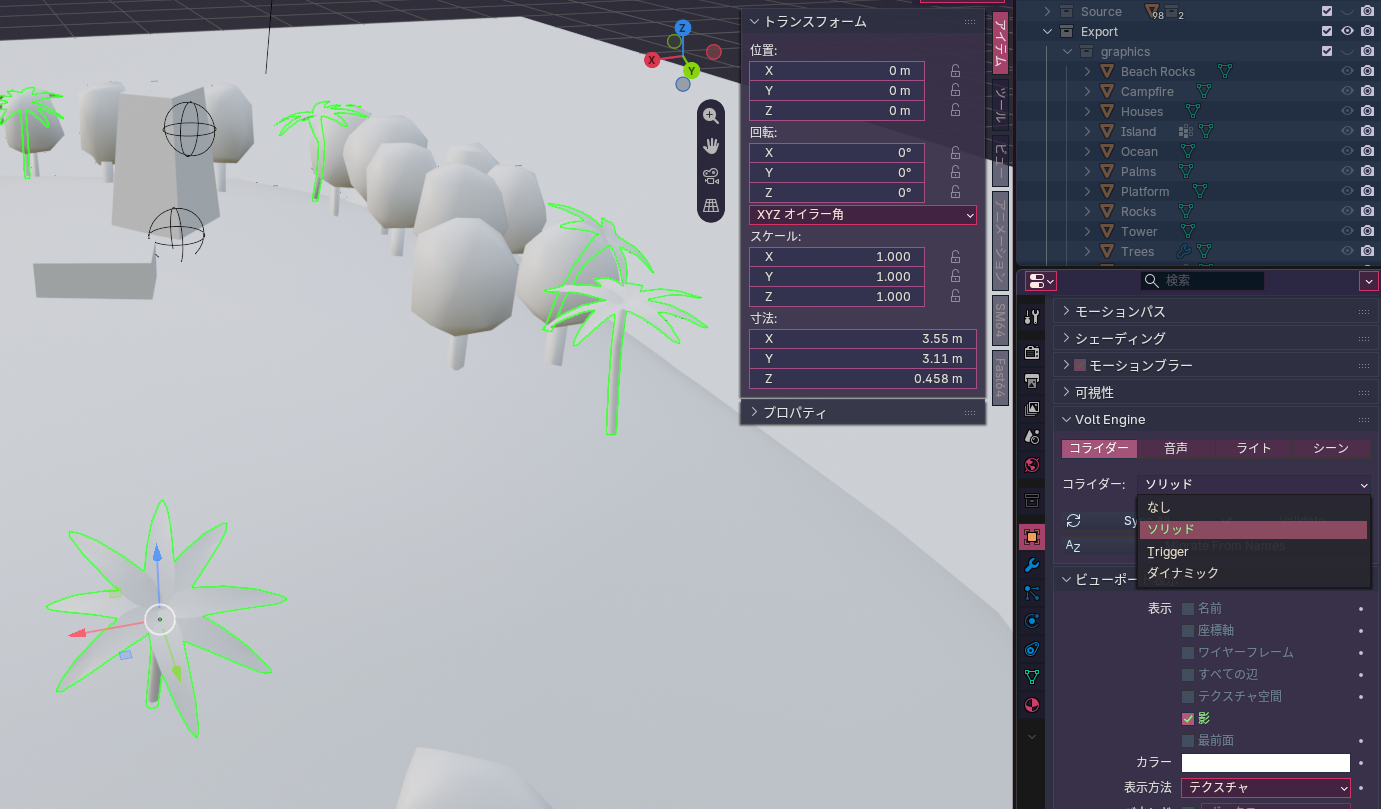
Until now, the collision system depended on object names starting with COL_, COLM_, or TRIG_.
I changed that to use extra properties inside GLB files.
This makes things much easier for level designers.
For that reason I made a Blender plugin.
This was my first time writing Python.
Now I can manage colliders very flexibly from inside Blender, which is really cool!
3D Sound System
Another result is 3D sound.
In Blender, you place an "empty" node somewhere in the scene and assign a sound file path to it.
Then the sound plays at that location, and which direction it comes from and how loud it is are determined by position in the scene.
Because of the file format being used, the 3D sound system only works on Nintendo consoles.
Future games will be for those consoles, and PC is only a reference build, so that's fine.
More Blender-Based Work
The next day, I moved even more work from C++ to Blender.
This includes setup for cameras, lights, and skyboxes.
I also put in the character start position, particle emitter positions, dynamic event object positions, the paths dynamic events follow, and so on.
Making the game has suddenly become more fun than ever!
Also, lighting direction is now determined by the skybox and which face is brightest, which looks cool.
This saves the trouble of setting up a directional light separately.
Blender now also controls whether the scene enables the debug menu and grid by default, and what kind of grid to use.
Camera Collision
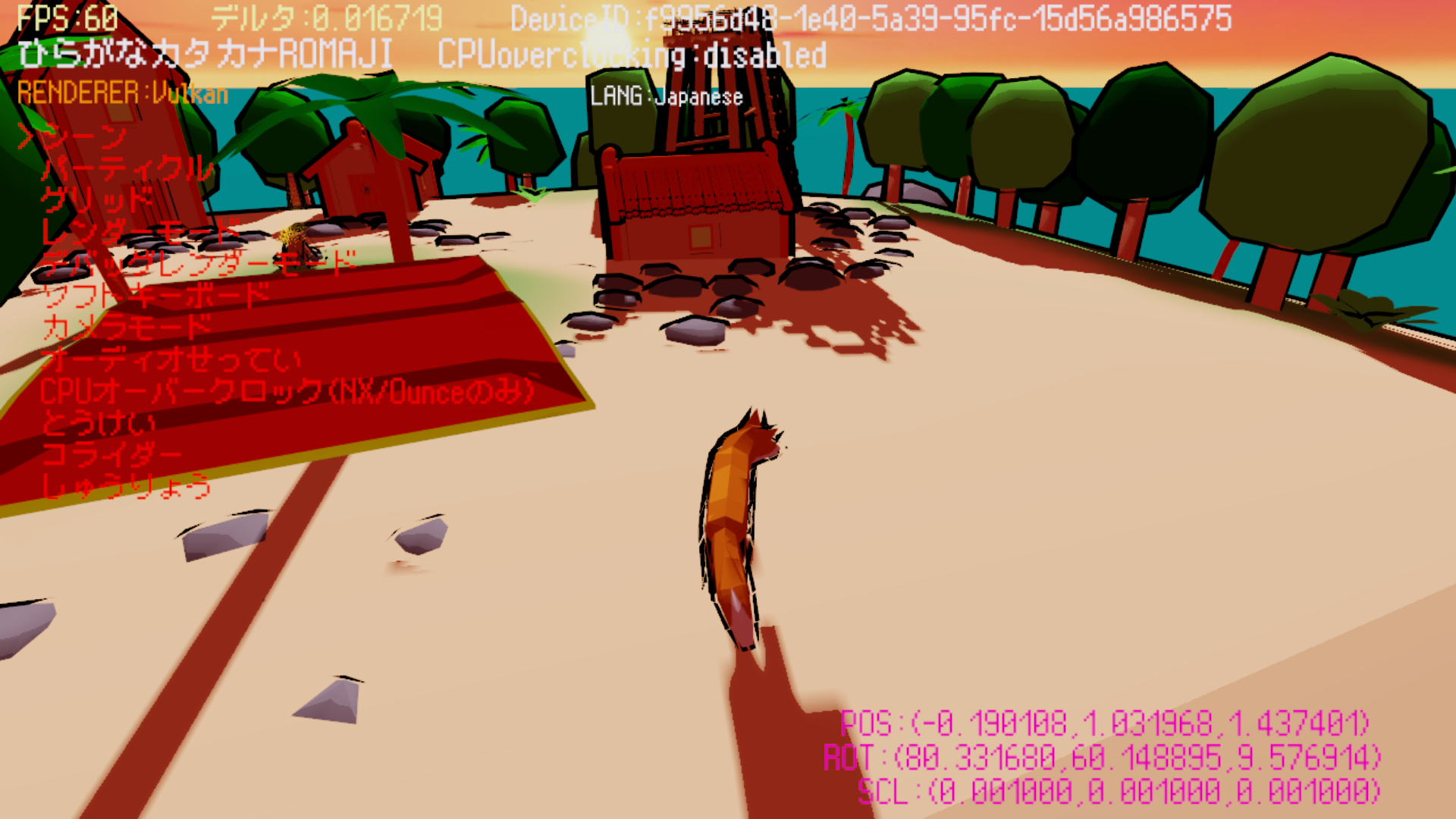
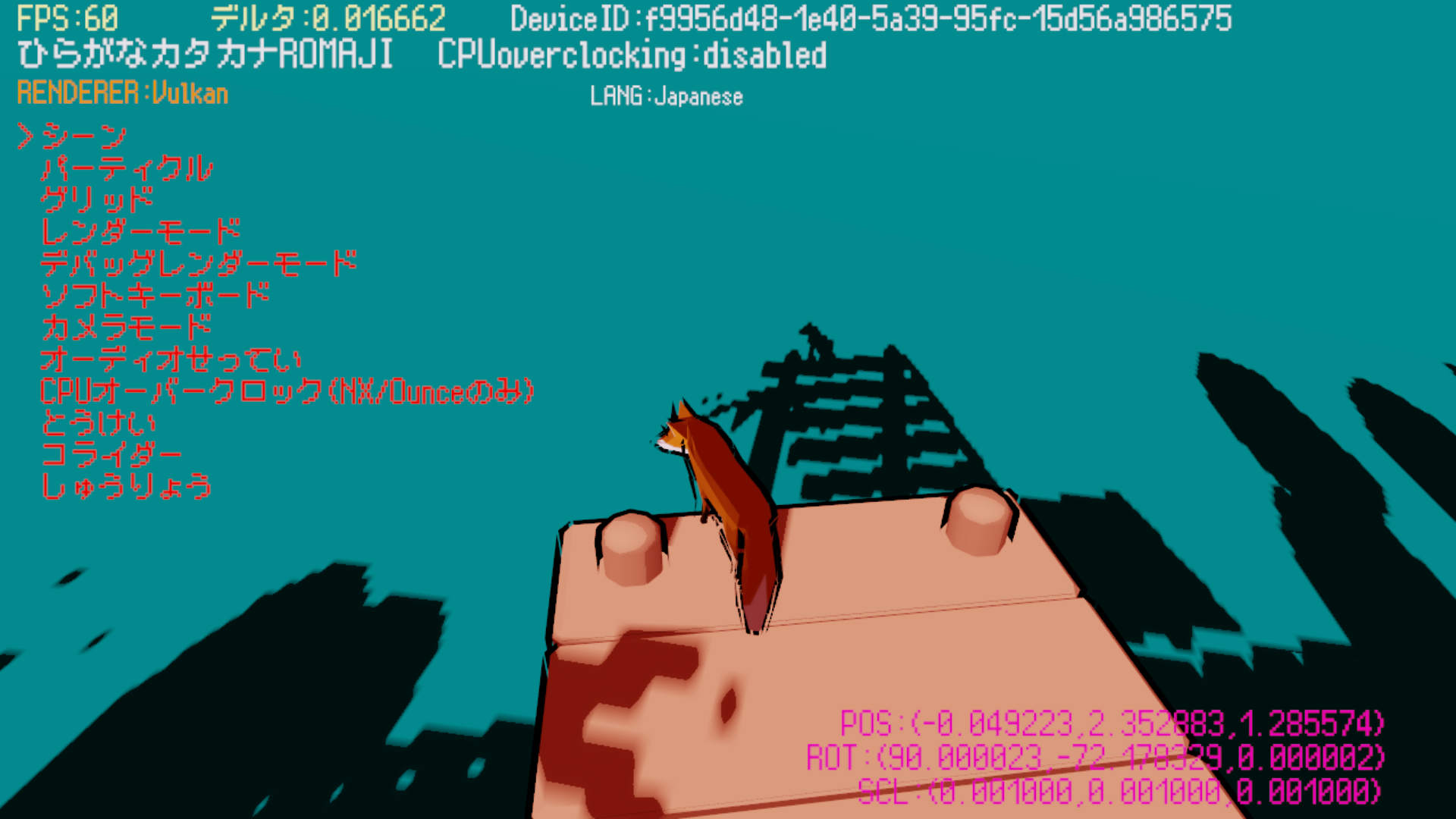
In recent games you'll notice the camera can't pass through floors, buildings, and so on.
That's called camera collision, and I implemented it this time.
Campfire
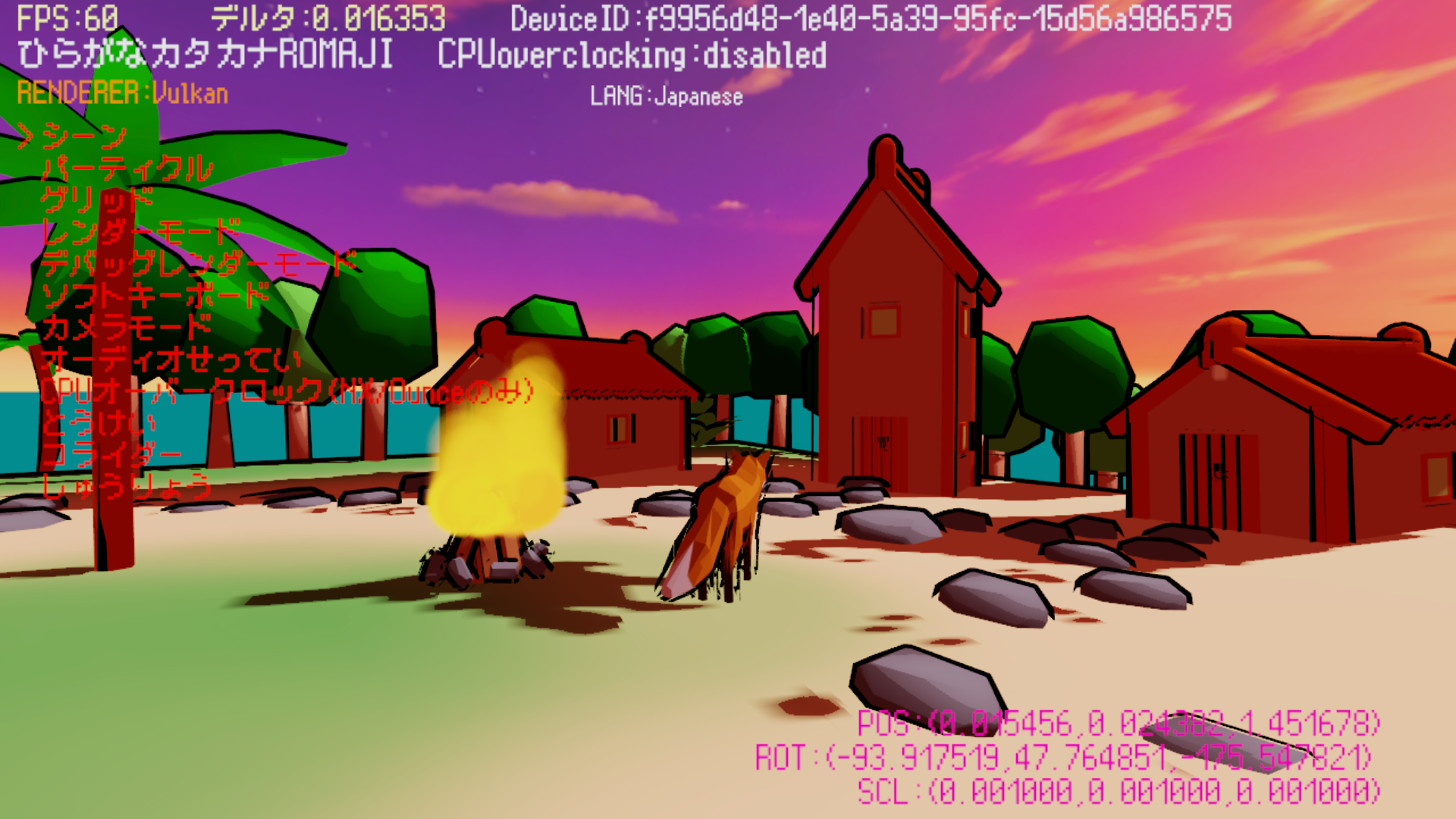
Finally, I made a small campfire that actually emits flames.
The real scene still needs some tuning, but since this is a test scene I think this is good enough.
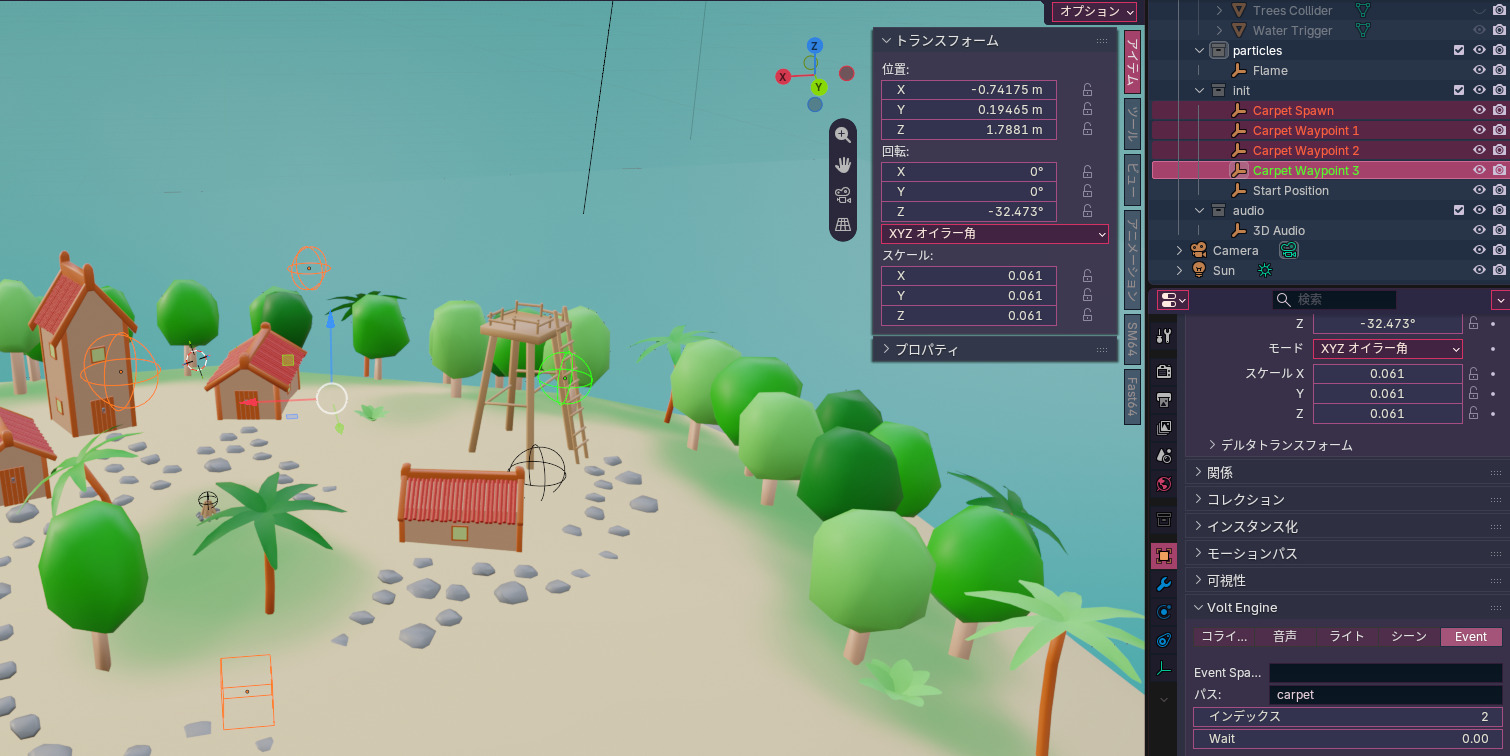
Event Waypoint System
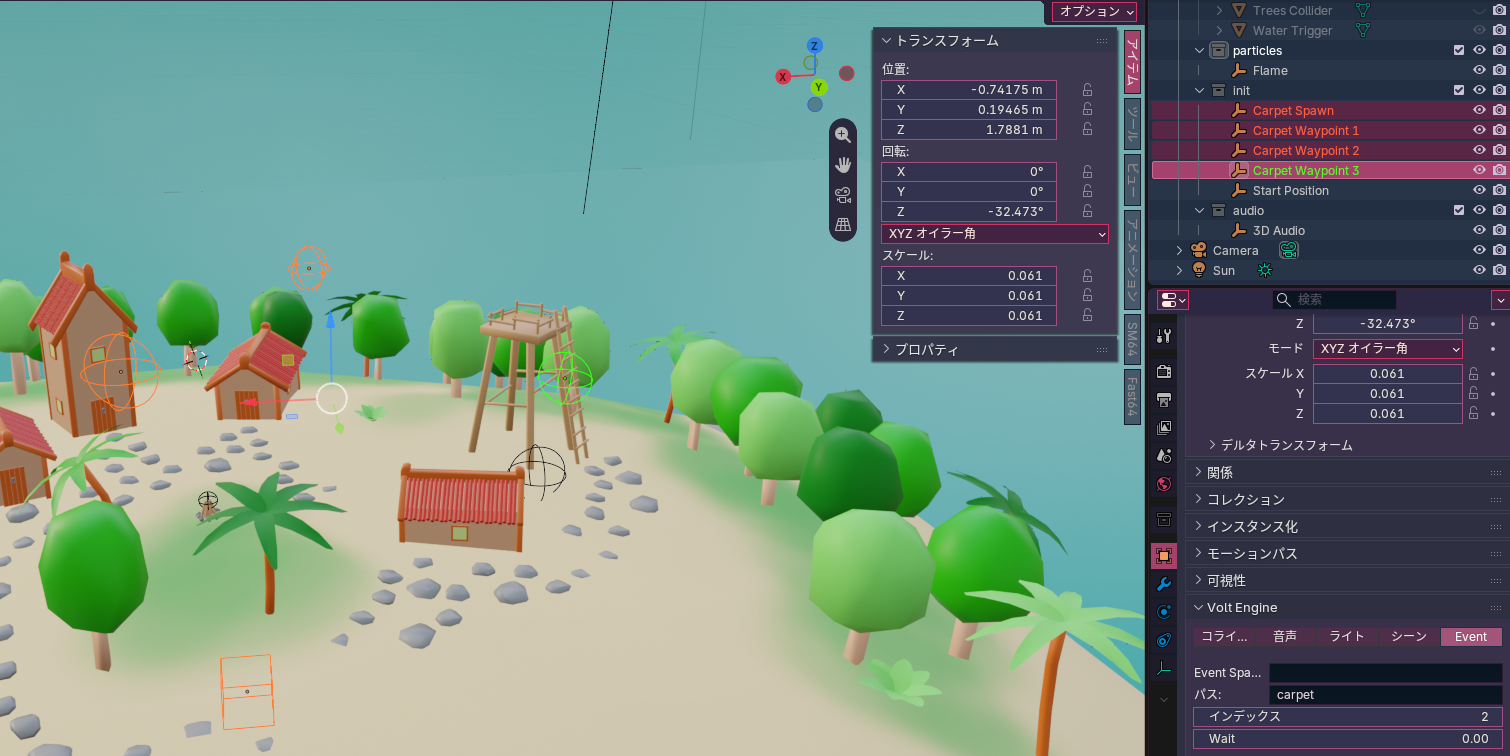
Last, I implemented a waypoint system for dynamic events.
This lets level designers fine-tune waypoints without having to hardcode them in C++.
What you see above is just this:
Free Camera
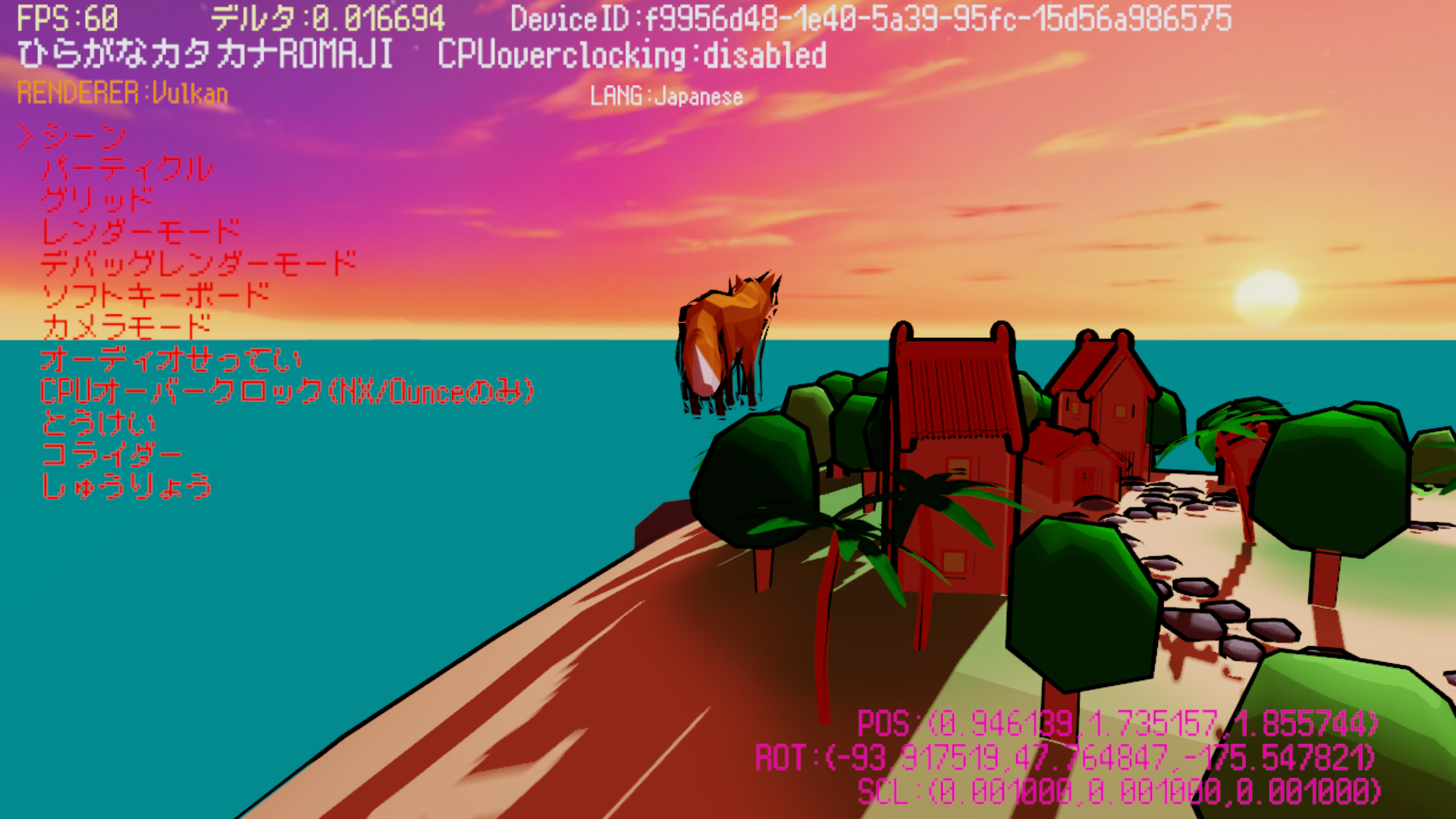
In debug builds, you can now place the character anywhere for debugging purposes.
This can also be used as a way to get the exact position where you want to place an object.
That's all