現在のブログ
ゲーム開発ブログ (2025年~) Gamedev Blog (2025~) 游戏开发博客 (2025年~)
レガシーブログ
テクノロジーブログ (2018~2024年) リリースノート (2023~2025年) MeatBSD (2024年)
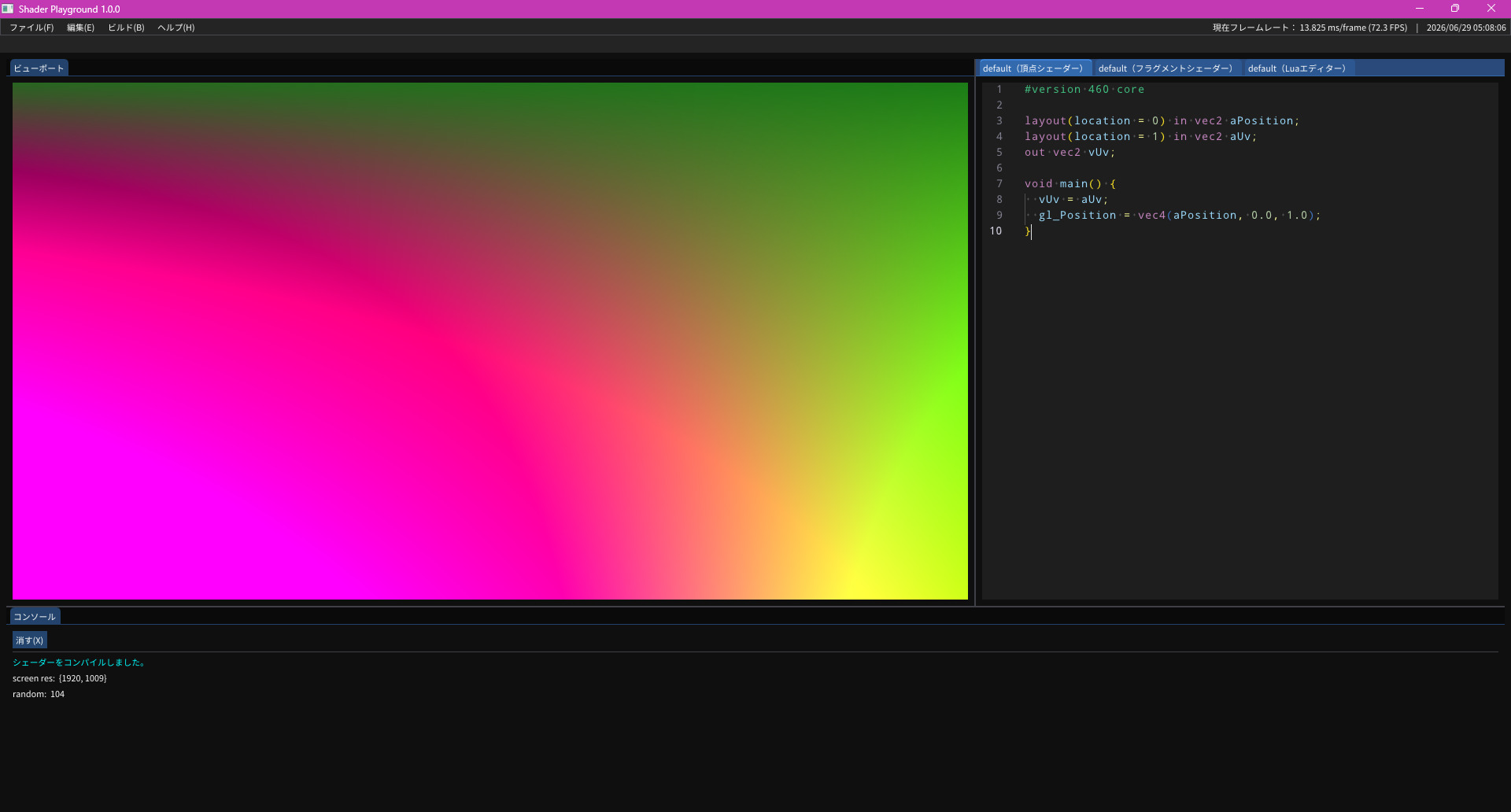
【C++・GLSL】Shader Playground 1.0.0 Release
There are many websites where you can test HTML and CSS code before actually embedding it into a website.
However, there are few places where you can test GLSL shaders.
That's when I found Shadertoy.
It does exactly that.
However, there is one problem: it uses GLSL ES, not desktop GLSL.
It's not the worst thing in the world, but because GLSL ES is slightly different from GLSL, shader code portability can be compromised.
So I thought: if I fork the GLSL Tester I made for my unfinished GLSL tutorial series and add ImGui on top, I'll get exactly what I want!
There was one issue: this GLSL Tester was written in C, while ImGui is C++.
Actually, this wasn't a problem at all.
Just rename main.c to main.cc and compile with a C++ compiler, and it upgrades to C++.
Furthermore, if I replace file handling with SQLite to save shaders to a database, maybe I can impress girls at the izakaya.
The Challenge
At least, that was the original intention.
This was a 5-day challenge for myself, which I ended up completing in 4 days.
I chose 5 days because it coincided with the first day of my new full-time job, and I thought this program might be useful.
The goal was simply to make a Shadertoy clone.
But starting from day 2, I kept adding more and more features, turning it into a small game engine, but it still works perfectly fine as a Shadertoy alternative.
This is thanks to the Lua engine that controls the CPU side of OpenGL.
Platform Support Drama
All shaders and Lua code are saved in a local SQLite database, minimizing clutter in the filesystem as much as possible.
On first launch, the database is automatically initialized at ${HOME}\AppData\Local\076Studio\ShaderPlayground.
You might be wondering why only Windows.
The original goal was cross-platform support for Windows, macOS, Linux, FreeBSD, OpenBSD, NetBSD, and Haiku.
However, I no longer have a Haiku machine, so it was excluded.
On macOS, it wouldn't compile because LuaJIT doesn't support AArch64 architecture, so it was also excluded.
On FreeBSD and OpenBSD, compilation failed with errors about missing constructors in sol2 (LuaJIT's C++ binding).
After seeing that, I didn't even bother trying NetBSD.
On Linux, it compiled after a few minor fixes, but since I compiled it under WSL2, I couldn't verify if it actually runs.
Therefore, I am only providing precompiled binaries for Windows.
The source code is open source under the 076 license, so feel free to compile it yourself on Unix-like systems.
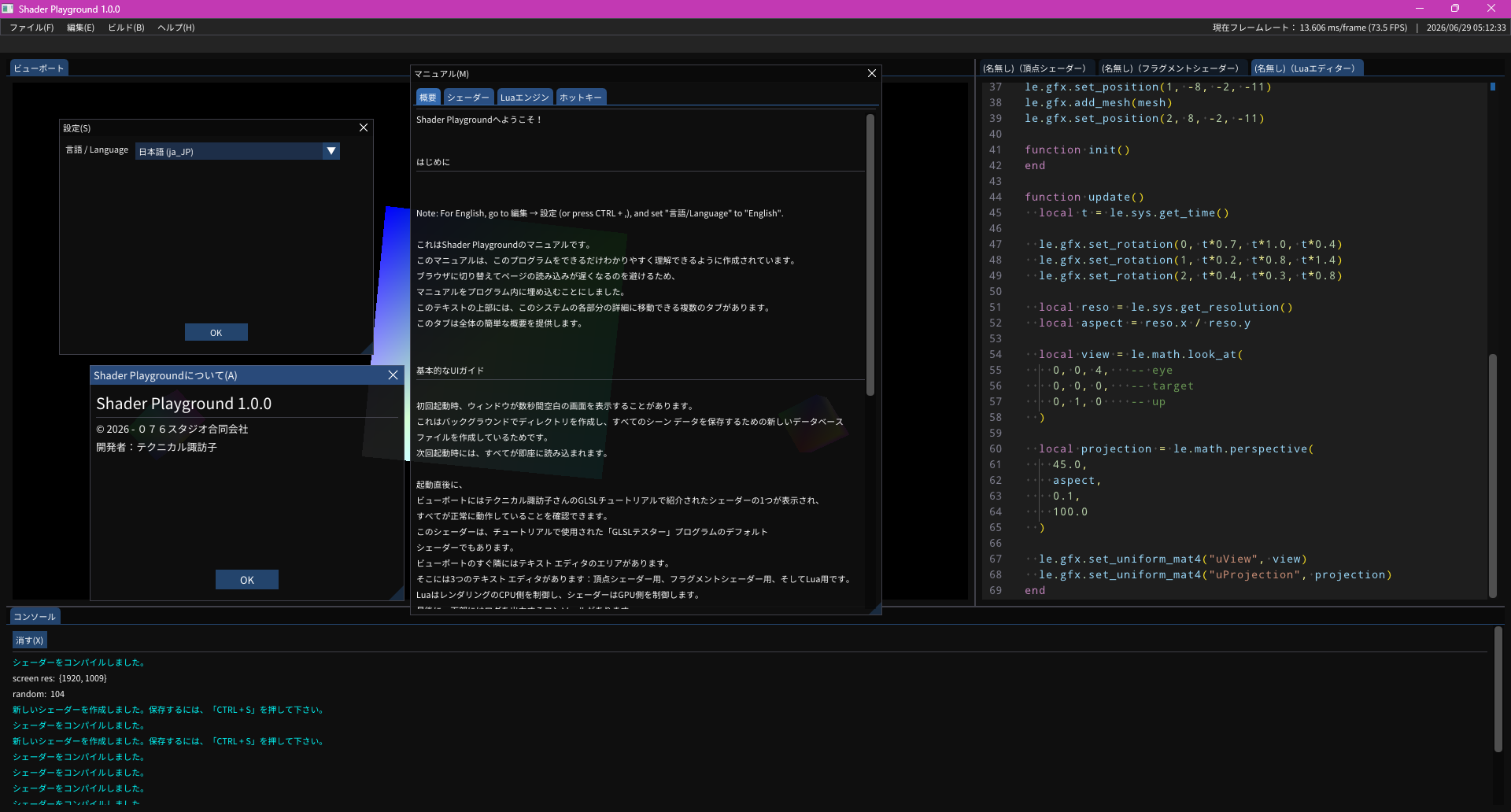
There is no online documentation for how to use Shader Playground, but pressing F1 in the program will display the complete manual.
How to Compile
Like most recent PC projects, it uses the CMake build system.
For Windows:
> cmake -B build -G "Visual Studio 17 2022" -A x64 -DCMAKE_BUILD_TYPE=Release
> cmake --build build --config Release
For other environments:
$ cmake -B build -DCMAKE_BUILD_TYPE=Release
$ cmake --build build --config Release
Download
The source code is available here.
Downloadable binary:
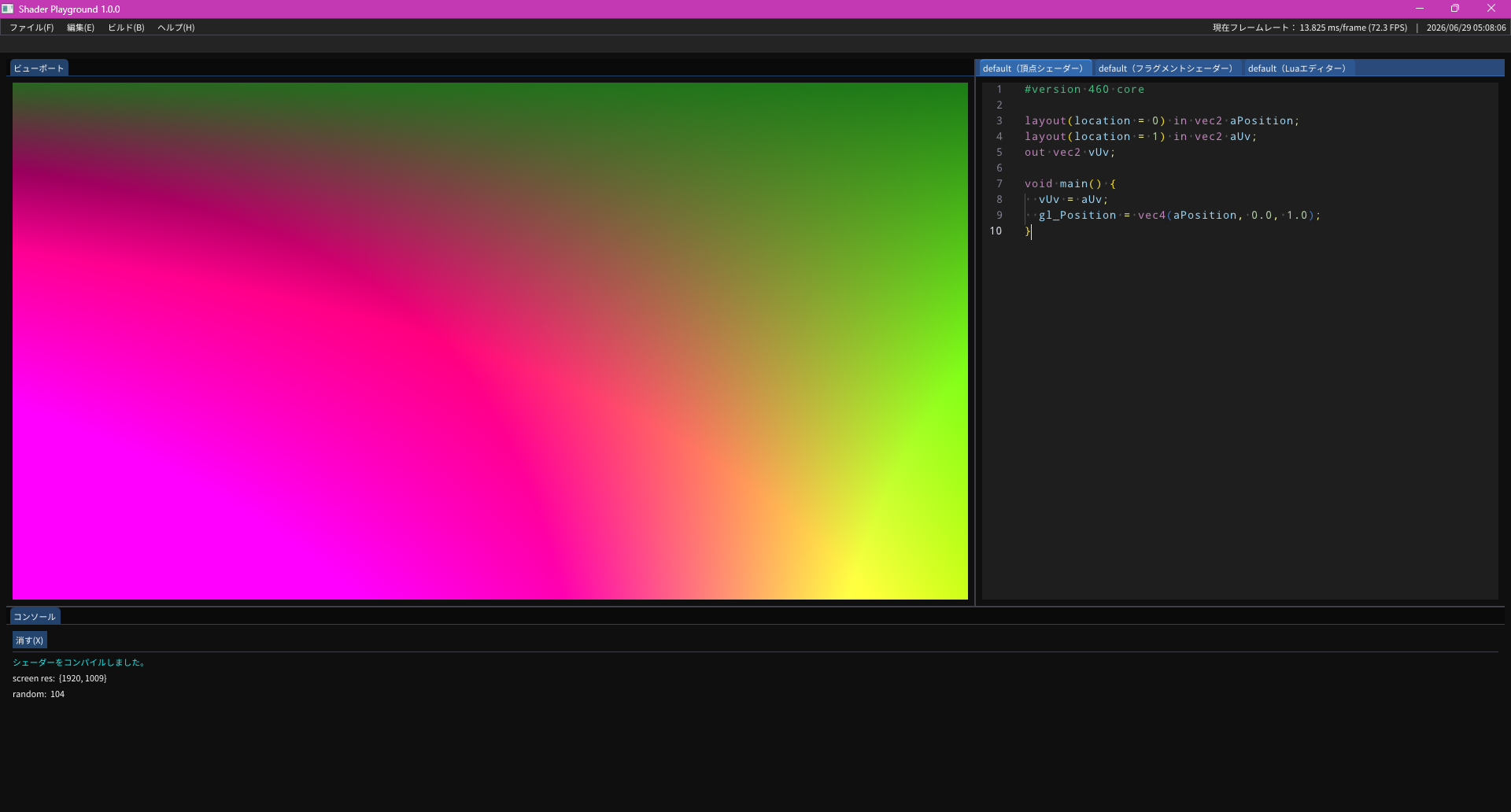
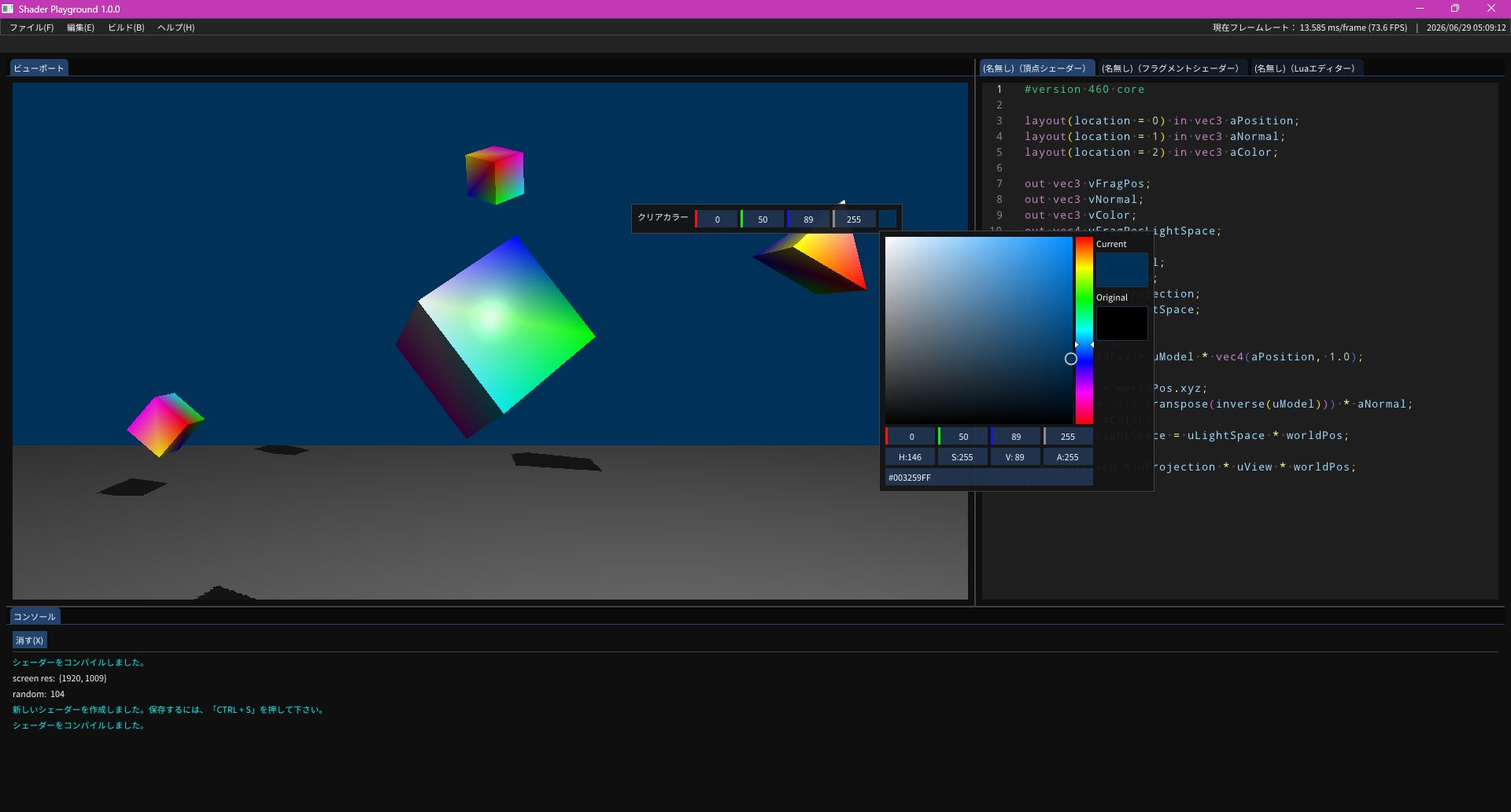
Screenshots
That's all